

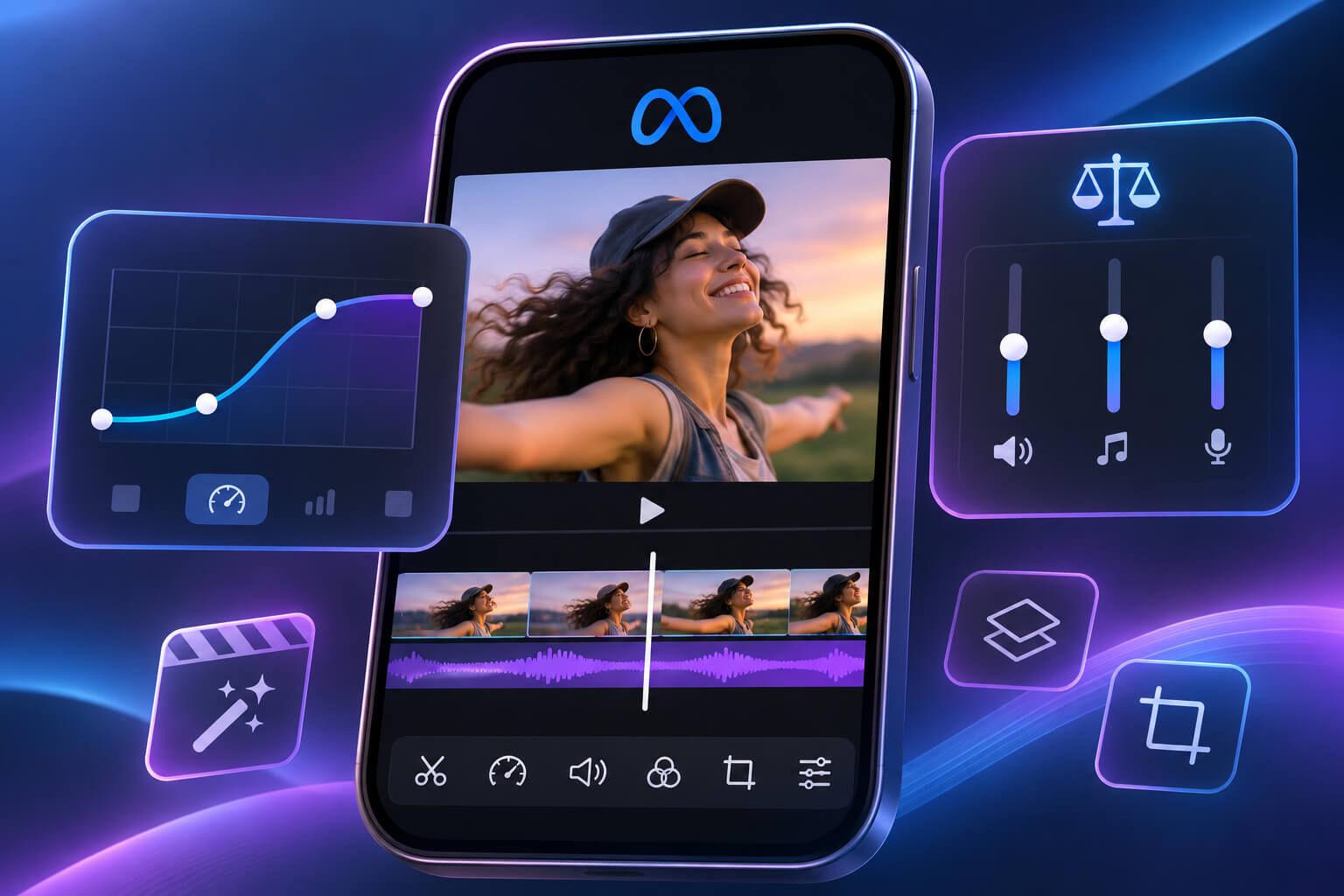
Meta is giving content creators more control over their videos with another round of updates to its Edits app. The latest release introduces speed curves, automatic audio balancing, improved text animation settings and personalized recommendations in the Inspiration tab.
The Meta Edits app update, announced on November 12, 2026, focuses on practical editing features that can make short-form video production easier. Creators can now adjust playback speeds within individual clips, balance audio levels automatically and fine-tune how animated text appears on screen.
The changes arrive as Meta continues expanding Edits into a more capable video editing platform. With desktop support also entering the picture, the company appears determined to make Edits a serious option for creators who regularly produce Instagram Reels and other social media videos.
Meta Edits Introduces Speed Curves for More Creative Video Editing
One of the most noticeable additions is speed curves, which allow creators to adjust playback speed at different points within a single video clip. Instead of applying the same speed throughout, users can gradually accelerate or slow down selected moments to create smoother transitions and more dramatic effects.
Meta has introduced several preset speed curves, giving creators ready-made options for different editing styles. Users who want greater control can also create custom curves and decide exactly how playback speed changes throughout their footage.
The feature could be useful for travel videos, sports highlights, product demonstrations and cinematic social media clips. A creator filming a scenic location, for example, could speed through an ordinary walking sequence before slowing down the footage to emphasize the final view.
Speed curves were previously available through the experimental Beta tab in Edits. Meta introduced the feature for testing earlier in 2026, allowing selected users to experiment with dynamic speed adjustments before the broader update.
Bringing speed curves into the main editing experience gives creators another way to produce polished videos without depending on separate editing applications.
Automatic Audio Balancing Helps Creators Improve Video Sound Quality
Audio is another area receiving attention in the latest Edits update. Meta has introduced automatic audio balancing, allowing creators to manage sound levels across different elements of a video without making every adjustment manually.
The feature is designed to create a more consistent listening experience when videos contain multiple audio sources. These might include recorded speech, background music, sound effects and other audio tracks.
For creators producing tutorials or commentary videos, uneven sound levels can quickly become distracting. Background music may overpower narration, while sudden changes in volume can interrupt the flow of a video.
Automatic audio balancing helps address those problems by adjusting audio levels across the project. It gives creators a quicker way to manage sound while reducing the amount of manual editing required.
The feature could be particularly helpful for people who produce videos frequently but lack advanced audio editing experience. It also gives more experienced creators a convenient starting point before making additional adjustments.
Meta has not indicated that the tool will replace manual audio editing entirely. Still, the addition makes Edits more practical for everyday video production.
Edits Inspiration Tab Gets Personalized Content Recommendations
Meta is also improving how creators discover ideas inside the Edits app. The Inspiration tab now includes additional controls that allow users to influence the types of videos recommended to them.
Creators can specify which topics they want to see more frequently and which subjects they would prefer to encounter less often. These preferences help the app provide inspiration that better matches their interests and content goals.
Someone producing fitness videos, for example, might want to see more workout demonstrations, exercise tutorials and related editing styles. A creator focused on technology could prioritize gadget reviews, product demonstrations and similar content.
The update follows Meta’s broader efforts to make recommendation systems more responsive to individual preferences. Its Your Algorithm feature already allows users to influence the topics appearing in their social media feeds.
Edits applies a similar concept to creative inspiration. Rather than simply recommending popular videos, the app gives users more direct influence over the content they encounter while looking for ideas.
That could make the Inspiration tab more useful for creators who regularly search for fresh formats, editing techniques and visual trends.
New Text Animation Controls Offer More Precise Timing
Text animations are also receiving an upgrade. Meta has introduced additional duration controls that allow creators to adjust how long animated text remains active within their videos.
The updated settings give users more flexibility over when text appears, when it disappears and how quickly repeating animations play.
These details may seem small, but timing can make a noticeable difference in short-form content. Text that disappears too quickly can frustrate viewers, while animations that remain on screen for too long may distract from the footage.
A creator explaining a product feature could keep important text visible long enough for viewers to read it. Someone producing a fast-paced promotional video might prefer shorter animations that match the rhythm of the footage.
The new controls make those adjustments easier within Edits.
For creators who frequently use captions, animated headlines or visual explanations, the feature provides more freedom to match text movement with the overall editing style.
Meta Continues Expanding Edits With Frequent Feature Updates
Meta has maintained an aggressive development schedule for Edits since introducing the video editing application in April 2025. The company has continued releasing features designed to simplify video production while offering more advanced creative controls.
Earlier updates introduced experimental speed adjustments, color correction tools, project folders and improvements to editing layers. Meta has also expanded customization options as it responds to feedback from creators using the app.
The latest release continues that pattern, bringing several practical improvements together rather than focusing on one major feature.
Speed curves provide more control over video movement, while automatic audio balancing addresses sound quality. The updated Inspiration tab supports content discovery, and text animation controls improve visual presentation.
These features cover different stages of the editing process, from developing an idea to preparing a finished video.
Meta’s broader goal appears to be reducing the need for creators to move between multiple applications whenever they want to produce short-form content.
Edits Desktop Support Expands Meta’s Video Editing Ambitions
The latest update also arrives as Meta expands Edits beyond mobile devices. The company has introduced a desktop version for macOS, allowing creators to work with video projects on larger screens.
Desktop editing can provide advantages when handling multiple clips, audio tracks and visual elements. A larger workspace makes it easier to inspect timelines and manage detailed adjustments that may feel restrictive on a smartphone.
For creators accustomed to editing videos on computers, desktop availability could make Edits a more appealing option.
It also brings the application into closer competition with established editing platforms that already offer both mobile and desktop workflows.
Meta has not suggested that Edits will immediately replace professional editing software. The company is instead building a collection of tools that can support a wider range of creator needs.
With frequent feature releases and an expanding device ecosystem, Edits is gradually moving beyond basic mobile video editing.
What the Meta Edits Update Means for Instagram Creators and Brands
For Instagram creators, the latest features offer additional ways to improve video quality without adding unnecessary complexity to the production process.
Speed curves can help make transitions more engaging, while automatic audio balancing reduces the effort required to manage narration and background music. Better text animation controls also allow creators to present information more clearly.
These improvements could be useful for businesses producing Instagram Reels, product demonstrations, promotional videos and educational content.
A small business owner creating a product video, for instance, could use speed adjustments to highlight specific details, balance music with spoken explanations and control how promotional text appears.
The personalized Inspiration tab may also help creators discover editing approaches that fit their particular audience.
However, access to better editing tools does not automatically translate into higher engagement or greater visibility on Instagram.
Content quality still depends on the strength of the idea, the relevance of the message and whether viewers find the finished video worth watching.
The main benefit of the update is convenience. Creators can handle more editing tasks within one application and spend less time switching between tools.
Meta Edits Is Becoming a Stronger Competitor in Short-Form Video Editing
Meta’s latest Edits update reflects the company’s continued investment in tools designed for short-form video creators.
The addition of speed curves, automatic audio balancing, personalized inspiration and improved text animation controls makes the application more flexible for everyday editing.
None of these features is entirely new to the video editing industry. Their importance lies in making them available within an application closely connected to Meta’s creator ecosystem.
As Edits expands across devices and introduces more advanced capabilities, it could become a more attractive option for creators who want a straightforward editing workflow.
The competition for video creators is already intense, with established applications offering extensive editing tools and effects.
Meta appears willing to keep building.
For Instagram creators and social media marketers, the latest Meta Edits app update provides more creative options while keeping the editing process accessible.
And for creators producing videos every day, saving a few steps can make a meaningful difference.
Sources
- Social Media Today – Meta’s Edits App Gets Speed Curves and Auto Audio Balancing
- Meta Newsroom – One Year of Edits: Built For and With Creators
- Social Media Today – Meta Adds More Experimental Edits Features to Its Beta Tab
- Social Media Today – Facebook and Meta News Coverage
