

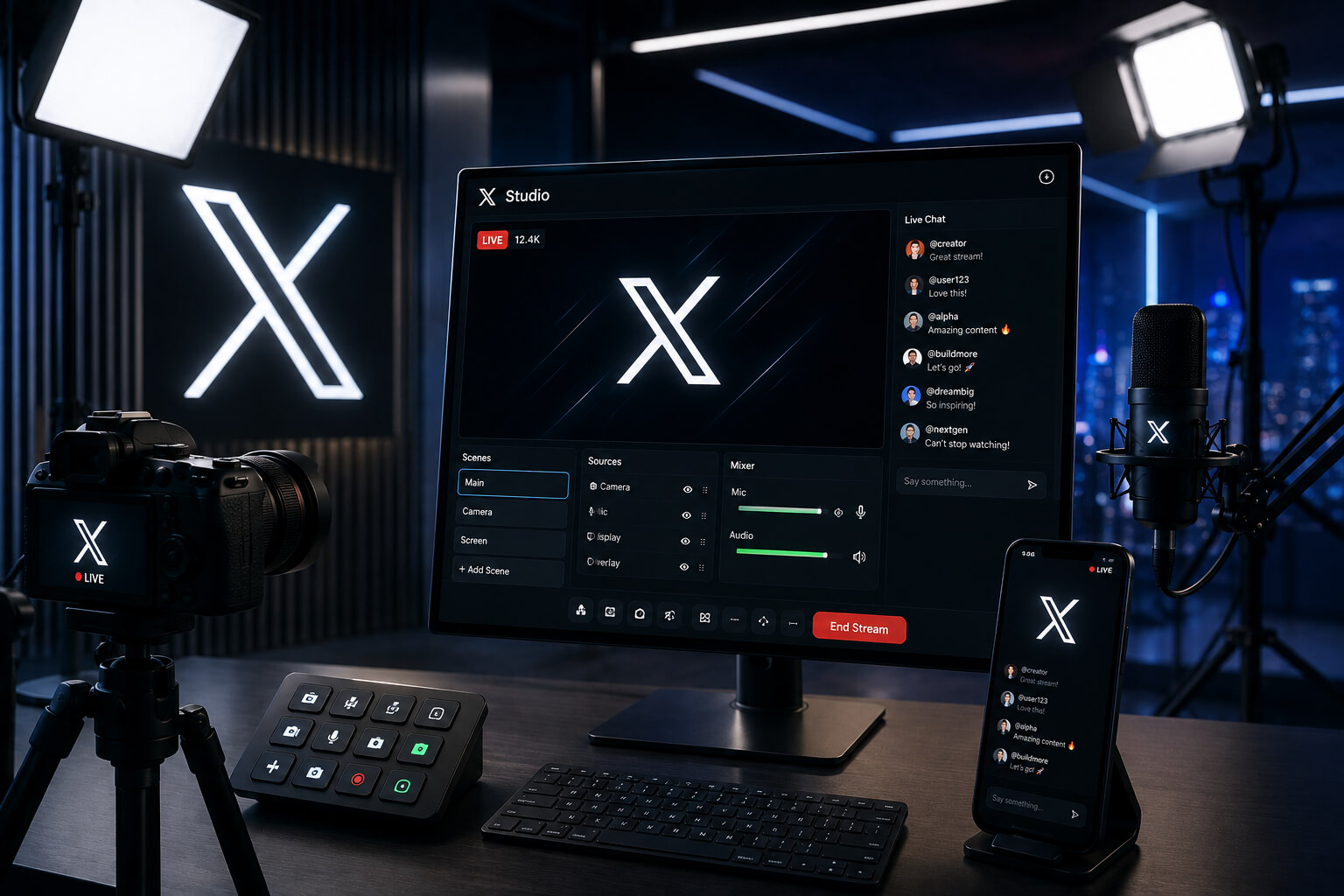
X is trying to make livestreaming feel less clunky, and this time the update is aimed directly at creators who want to go live from desktop without wrestling with too many moving parts.
The platform has launched an updated livestreaming command center inside Creator Studio, giving users a more organized way to schedule, prepare, and run live broadcasts on X. The feature is built around a cleaner live composer, with a setup flow that looks more practical for people running shows, interviews, commentary sessions, creator streams, or real-time brand updates. Social Media Today reported that the tool is designed to simplify desktop livestreaming while adding more options for live video creators.
Scheduling, Thumbnails, and Chat Controls Get Easier
The new X Livestream Studio is not trying to reinvent livestreaming. It is more of a cleanup job. A useful one.
Creators can use the updated live composer to set up broadcasts from desktop PCs, upload thumbnails, and manage chat controls before going live. That matters because livestreaming often gets messy before the stream even starts. The title, the image, the audience setup, the chat moderation, the “is this thing actually ready?” panic. X seems to be cutting down some of that friction.
For creators already using X as a place for live commentary, breaking news reactions, sports talk, tech discussions, or community updates, the tool gives them a more direct way to manage the live experience from one place.
Live Analytics Are Part of the Push
Once a broadcast is running, the dashboard also gives creators audience insights. That includes viewer peaks, comment peaks, and audience demographics, according to the report.
That is probably one of the more useful parts of the update. Going live is one thing. Knowing when people actually showed up, when they dropped off, and what moments triggered the most activity is another. For creators and brands, that data can shape the next stream. Maybe shorter sessions work better. Maybe live Q&As hit harder than polished announcements. Maybe the audience only wakes up when the guest joins.
Not every livestream needs a full analytics suite, sure. But for people treating X as a serious content channel, the extra data helps.
There Is a Catch: It Is for Paying Users
The new livestreaming setup is not open to everyone. It is available to users on X Premium or higher, since access is tied to Media Studio.
That part is very X. More creator tools, but behind the paid layer.
For casual users, that might not mean much. For creators already paying for Premium, it adds another reason to stay inside the platform’s creator ecosystem. X has been trying to turn subscriptions, creator payouts, long-form posts, video, and live content into one connected package. Livestream Studio fits into that broader direction.
X Wants More Creators Going Live
X is also adding money to the mix. The company is offering an additional $1 million in creator funding for livestreamers this month, although the exact allocation is not fully clear from the announcement. X head of product Nikita Bier said the platform will be rewarding creators who livestream in the upcoming cycle.
That kind of incentive can create a short-term bump. People like rewards. Creators like visibility. Platforms like launch momentum.
The harder part is keeping creators livestreaming after the promo cycle fades. Livestreaming is not like posting a quick update. It takes planning, personality, consistency, and an audience that actually wants to show up in real time.
Live Events Are Still One of X’s Strongest Use Cases
X still has a natural advantage when something is happening live. Sports. Politics. Market reactions. Product launches. Breaking news. Entertainment moments. The platform’s real-time culture has always been one of its strongest features, even as competition from Threads and other platforms keeps growing.
That is why this update makes sense. X does not need to convince people that live conversation matters. It needs to make the broadcasting side easier, especially for creators and brands that already use the app for fast-moving public conversation.
A smoother livestream studio could help X keep more of that activity inside its own platform instead of pushing creators to third-party tools or competing live platforms.
What This Means for Brands and Creators
For brands, X Livestream Studio could become useful for product updates, executive Q&As, event coverage, creator partnerships, customer conversations, and live reactions around major industry moments. It is not automatically a must-use tool. The value depends on whether a brand’s audience is actually active on X.
For creators, the update removes some of the rough edges around desktop livestreaming. The thumbnail support, chat controls, scheduling tools, and live analytics make the process feel more like a proper broadcast setup rather than a casual add-on.
Still, the bigger question is not whether X can build livestreaming tools. It clearly can. The question is whether creators see X as the place where live video should happen.
X Is Turning Live Video Into a Bigger Creator Play
This update says a lot about where X is trying to go. The platform wants more video. More creators. More live activity. More reasons for users to pay for Premium. More content formats that keep audiences inside the app for longer.
Livestream Studio is not a massive social media earthquake. It is more practical than dramatic. But practical updates can matter, especially when they remove friction from something creators already want to do.
If X can make live broadcasting easier, give creators better data, and attach real incentives to the format, livestreaming could become a bigger part of the platform’s creator strategy.
Not overnight. Not magically.
But it gives X another shot at owning real-time conversation before someone else makes it easier somewhere else.
