

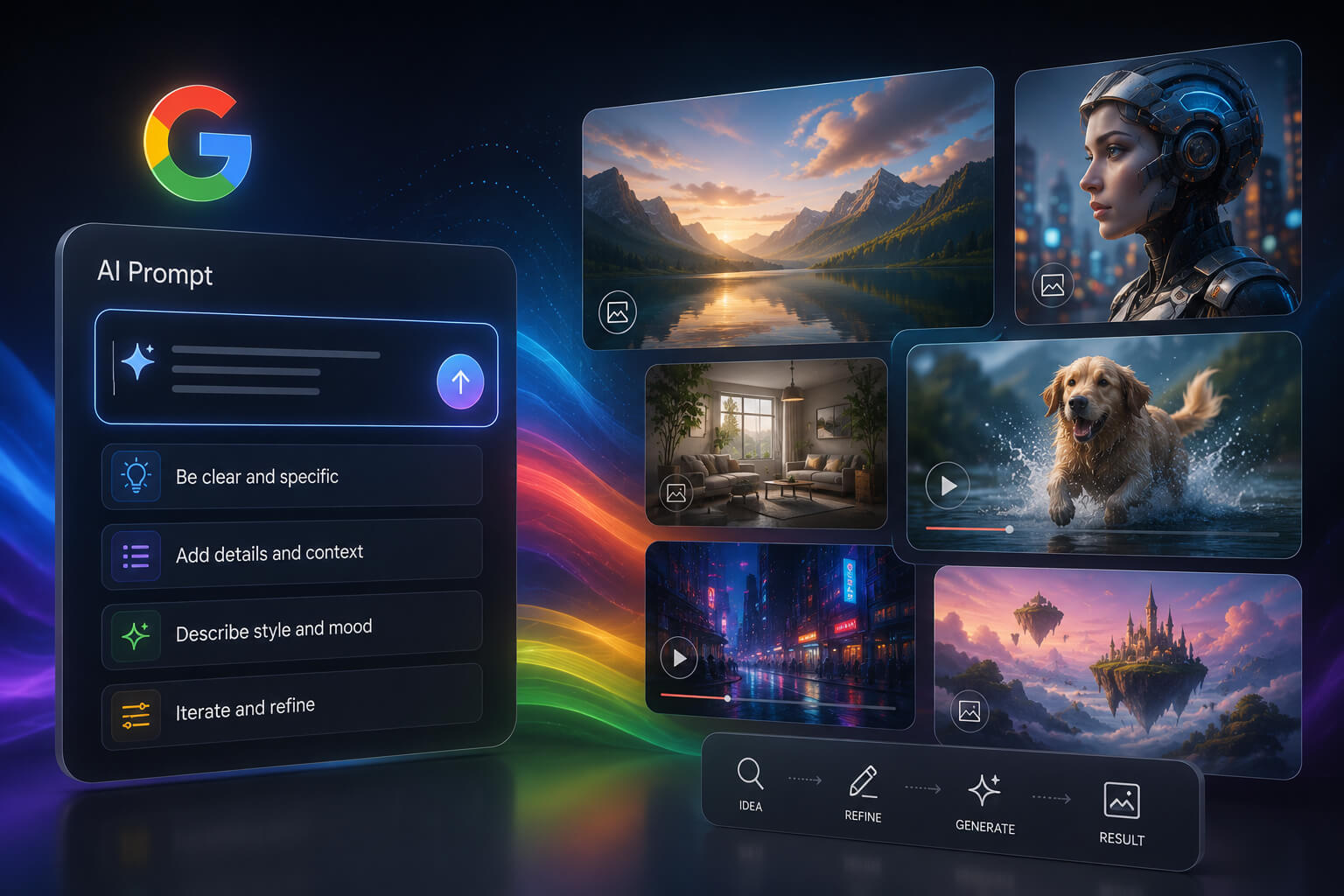
Google has released new guidance designed to help users create stronger prompts for AI-generated images and videos, offering practical tips that can improve results across visual AI tools.
The guidance is tied to Google’s Gemini Omni model, a visual generation system built to create and edit images and videos through natural language prompts. While the advice is focused on Gemini Omni, many of the same prompting techniques can also apply to other AI image and video generators.
For social media managers, digital marketers, content creators, and brands, the update is another sign that prompt writing is becoming an important creative skill.
Why Google’s AI Prompting Guidance Matters
AI-generated visuals are now widely used in social media content, ad creatives, concept mockups, video production, and campaign planning. But the quality of an AI-generated image or video often depends on how clearly the user explains the desired output.
Google’s latest guidance highlights a simple idea: the more useful detail you include in your prompt, the more control you have over the final result.
Instead of typing a basic request like “create a futuristic city,” creators can get better results by describing the camera angle, lighting, location, mood, style, and movement. This helps the AI model better understand the scene, and create visuals closer to the user’s original idea.
Google’s Top Tips for Improving Visual AI Prompts
1. Specify the Shot Framing and Motion
Google suggests being specific about how the shot should be framed. Users can specify if they want a wide shot, close-up, medium shot, or a specific camera movement.
Motion details are important in video generation. You can specify in the prompt whether the camera should move slowly, zoom in, pan over a scene, or stay still.
This gives the AI system a better creative direction, and can help produce more polished, cinematic results.”
2. Pick a Clear Visual Style
Style is yet another big part of effective AI prompting. Google recommends users describe the look and feel they want, such as realistic, cinematic, futuristic, cartoon-like, editorial, or minimalist.
This can be especially useful for social media content, as brands often need visuals that match a specific identity. For example, a brand creating professional LinkedIn content might want a clean and realistic style, while a TikTok or Instagram campaign might need something more colorful, playful, or surreal.
The more specific the style direction, the easier for the AI model to generate a visual that fits the platform and audience intended.
3. Add Lighting Details
Lighting can make or break the mood of an AI-generated image or video. Google recommends users describe where the light is coming from and what sort of feeling it should create.
For example, a prompt may call for soft morning sunlight, neon city lights, dramatic studio lighting, warm sunset tones, or dim streetlamp lighting.
These details give the model an idea of what the scene should look like and how it should feel.
4. Describe the Location
Google suggests describing the setting of the scene, including the landscape, background, environment, objects, and other visual aspects.
A better prompt might be to define a misty pine forest, a tropical jungle path, or a quiet woodland trail after rainfall, rather than simply asking for “a forest”.
For brands and creators, location data can help make AI visuals more relevant to a campaign, product or story.
5. Explain What’s Happening in the Scene
The last big tip is to describe what’s going on in the scene. Google wants to know about the characters, objects, movements, and interactions in the scene.
This is especially beneficial for video generation, in which the model has to understand how the scene should change. A good prompt should answer simple questions such as: Who are in the scene? What are they doing? How are they moving? What is changing over time?
Clearer action details can make videos generated by AI seem more purposeful and less haphazard.
Gemini Omni Also Supports Conversational Editing
One of the most useful features of Gemini Omni is the ability to edit visuals with natural conversation. Instead of rewriting the whole prompt, users can ask for specific changes, such as replacing an object, changing the background, adjusting the camera angle, or modifying the action.
This kind of iterative editing could be helpful to creators who want to try out multiple versions of a visual before publishing.
For example, a social media manager could generate a concept, then ask the AI to make the background brighter, change the camera angle, add more movement, or apply a different artistic style.
What This Means for Social Media Creators
Google’s guidance shows that AI visual creation is moving beyond simple text-to-image prompts. The best results now come from prompts that combine creative direction with production-style details.
For social media teams, this means prompt writing may become part of the normal content workflow. Instead of treating AI visuals as quick one-click outputs, creators may need to think more like directors, photographers, and editors.
This includes planning the scene, setting the camera style, choosing the mood, and iterating on the output using follow-up instructions.
Example of a Strong AI Visual Prompt
Here’s a simple example of how a basic prompt can be improved: Basic prompt: Generate an image of a social media marketer using AI.
Create a realistic cinematic image of a social media marketer at a modern desk, with multiple screens showing analytics dashboards. Use warm studio lighting, a close-up camera angle, and a professional editorial style. The mood should be one of focus, innovation, and future readiness.
The improved version gives the AI model more context, and increases the chances that it will produce a useful image for a blog post, social media update, or marketing campaign.
The Bigger Picture
As AI image and video tools become more intelligent, creators who can speak the language of these systems will be at the helm.
These new Google prompting tips aren’t just technical advice, but a sign of a larger change in the digital content creation world, where human creativity and AI tools combine through detailed direction, editing and iteration.
The message for brands, marketers and creators is clear: better prompts = better visuals.
Key Takeaway
Google’s AI prompting guidance provides a practical approach for creators to enhance AI-generated images and videos. Focusing on shot framing, motion, style, lighting, location, and action allows for more precise, compelling, and platform-optimized visual content.
